
Video gallery
Every video below is built from a JSON file in video/script/ with one command, in a container, from committed sources. Each picture is a frame from each scene of the real build. To make one of your own, copy a file into your repository's .kinhin/videos/ and run kinhin video build <name> (see Add videos to your project). video/scripts/gallery.mjs rebuilds all of this page and writes a page where you can play the videos.
← Home · Add videos to your project · Marketing video in CI
Examples
hello
The smallest video: a title, one sentence, a closing line.

16:9 · paper theme · 17 s · 3 scenes (title, statement, outro)
video/scripts/build.sh --container --project examples/hello --theme paper --format 16:9scene-tour
All ten canvas scene types, one after another.

16:9 · midnight theme · 56 s · 10 scenes (title, statement, queue, parallel, map, stats, steps, code, compare, outro)
video/scripts/build.sh --container --project examples/scene-tour --theme midnight --format 16:9product-launch
A product launch: problem, before and after, numbers, steps.

16:9 · clean theme · 33 s · 6 scenes (title, statement, compare, stats, steps, outro)
video/scripts/build.sh --container --project examples/product-launch --theme clean --format 16:9release-notes
Release notes: a statement per feature, then the numbers.

16:9 · paper theme · 31 s · 6 scenes (title, statement, stats, outro)
video/scripts/build.sh --container --project examples/release-notes --theme paper --format 16:9social-teaser
A fifteen-second vertical teaser for Shorts, Reels and TikTok, with word-by-word captions and push transitions.
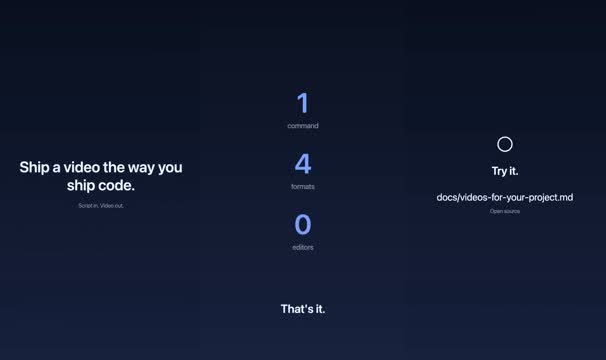
9:16 · midnight theme · 14 s · 3 scenes (statement, stats, outro)
video/scripts/build.sh --container --project examples/social-teaser --theme midnight --format 9:16tutorial-chalk
A tutorial on a chalkboard: a plan and the commands.

16:9 · chalk theme · 21 s · 4 scenes (title, steps, code, outro)
video/scripts/build.sh --container --project examples/tutorial-chalk --theme chalk --format 16:9architecture-blueprint
An architecture explainer in blueprint style.

16:9 · blueprint theme · 29 s · 5 scenes (title, map, parallel, compare, outro)
video/scripts/build.sh --container --project examples/architecture-blueprint --theme blueprint --format 16:9oss-announcement
An open-source announcement for a 4:5 feed.
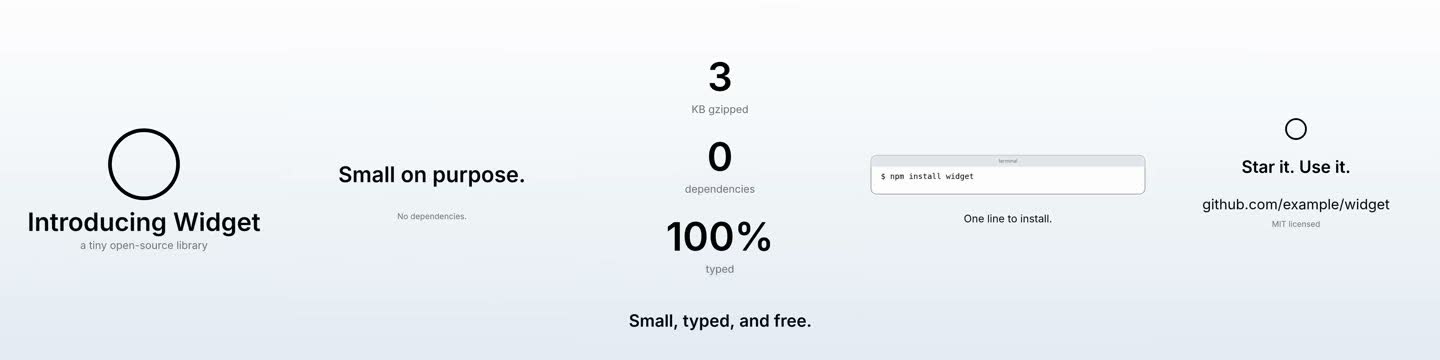
4:5 · paper theme · 27 s · 5 scenes (title, statement, stats, code, outro)
video/scripts/build.sh --container --project examples/oss-announcement --theme paper --format 4:5changelog-month
A monthly update, square, with numbers and highlights.
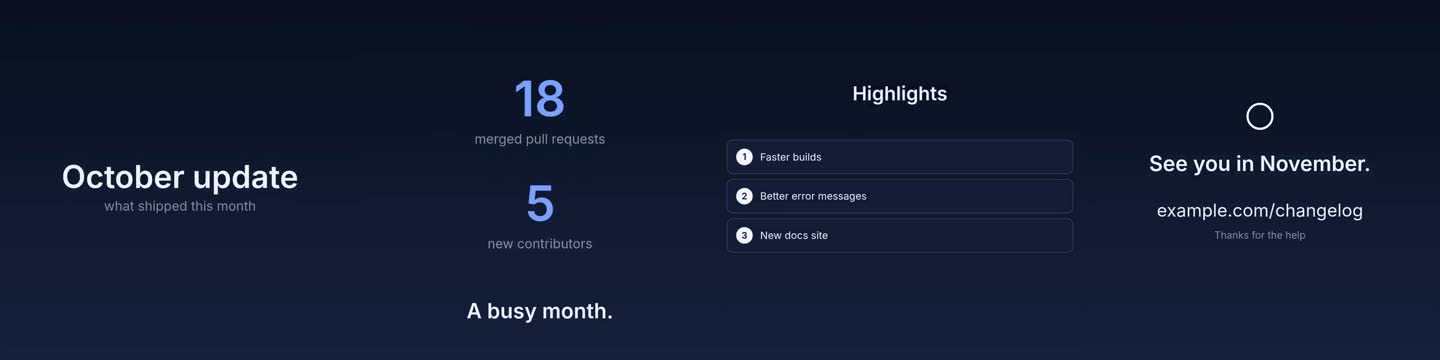
1:1 · midnight theme · 21 s · 4 scenes (title, stats, steps, outro)
video/scripts/build.sh --container --project examples/changelog-month --theme midnight --format 1:1code-walkthrough
Code that types itself: install, then verify.

16:9 · midnight theme · 23 s · 4 scenes (title, code, outro)
video/scripts/build.sh --container --project examples/code-walkthrough --theme midnight --format 16:9split-demo
A split scene: a terminal and an app window side by side, one starting late, each with its own camera and speed.

16:9 · clean theme · 19 s · 3 scenes (title, split, outro)
video/scripts/build.sh --container --project examples/split-demo --theme clean --format 16:9kinhin-30s
kinhin in thirty seconds, with the kinhin adapter's recorded app clip in a laptop, a guided camera that zooms and spotlights named regions, a speed ramp and a push into the app.

16:9 · paper theme · 23 s · 3 scenes (title, device, outro)
video/scripts/build.sh --container --project examples/kinhin-30s --theme paper --format 16:9template-demo
The template adapter: an app clip in a laptop, a browser session and a terminal, each in its frame.

16:9 · clean theme · 33 s · 5 scenes (title, device, terminal, outro)
video/scripts/build.sh --container --project template-demo --theme clean --format 16:9launch
The kinhin launch video: the CI story, then the video suite, ending on the reveal that it was built that way. A recorded app and terminal, voice-over and music.

16:9 · paper theme · 90 s · 11 scenes (title, queue, parallel, device, map, statement, code, terminal, steps, statement, outro)
video/scripts/build.sh --container --project launch --theme paper --format 16:9Themes
One project, five looks: change a flag, not the script. A theme sets the font, the colours, the backdrop, the laptop and window, and the captions. Make your own by copying a file in video/themes/.
blueprint
The hello example in the blueprint theme.

16:9 · blueprint theme · 17 s · 3 scenes (title, statement, outro)
video/scripts/build.sh --container --project examples/hello --theme blueprint --format 16:9chalk
The hello example in the chalk theme.

16:9 · chalk theme · 17 s · 3 scenes (title, statement, outro)
video/scripts/build.sh --container --project examples/hello --theme chalk --format 16:9clean
The hello example in the clean theme.

16:9 · clean theme · 17 s · 3 scenes (title, statement, outro)
video/scripts/build.sh --container --project examples/hello --theme clean --format 16:9midnight
The hello example in the midnight theme.

16:9 · midnight theme · 17 s · 3 scenes (title, statement, outro)
video/scripts/build.sh --container --project examples/hello --theme midnight --format 16:9paper
The hello example in the paper theme.
16:9 · paper theme · 17 s · 3 scenes (title, statement, outro)
video/scripts/build.sh --container --project examples/hello --theme paper --format 16:9Captions
The same scene with captions off and in each style. Burned-in captions are a project setting (captions in the JSON) or a flag (--captions off, --caption-style box); the caption file is written either way. See Captions.
Captions off
No burned-in captions; the .srt is still written.
16:9 · clean theme · 33 s · 5 scenes (title, device, terminal, outro)
video/scripts/build.sh --container --project template-demo --theme clean --format 16:9 --captions offCaptions: outline
Text with a contrasting outline (the default).
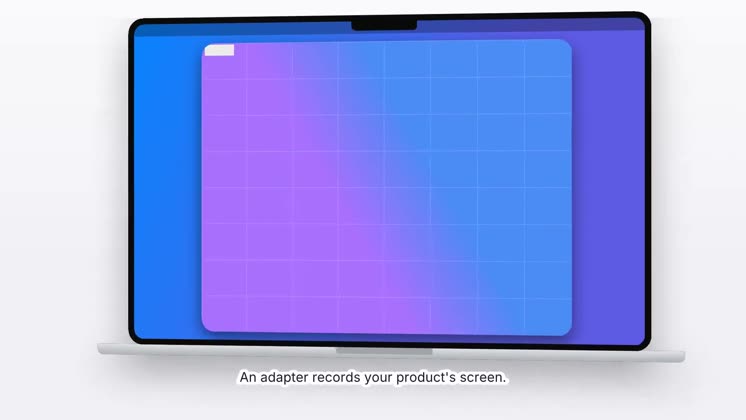
16:9 · clean theme · 33 s · 5 scenes (title, device, terminal, outro)
video/scripts/build.sh --container --project template-demo --theme clean --format 16:9 --caption-style outlineCaptions: box
Text on a semi-transparent box.
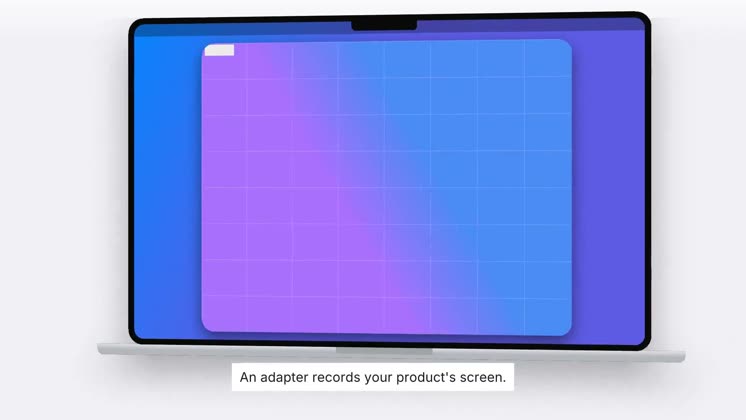
16:9 · clean theme · 33 s · 5 scenes (title, device, terminal, outro)
video/scripts/build.sh --container --project template-demo --theme clean --format 16:9 --caption-style boxCaptions: shadow
Text with a soft drop shadow, no outline.
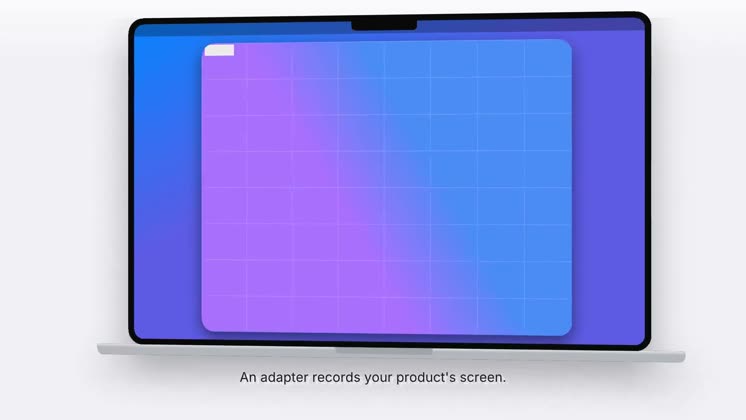
16:9 · clean theme · 33 s · 5 scenes (title, device, terminal, outro)
video/scripts/build.sh --container --project template-demo --theme clean --format 16:9 --caption-style shadowCaptions: bold
Larger, bold text with an outline.
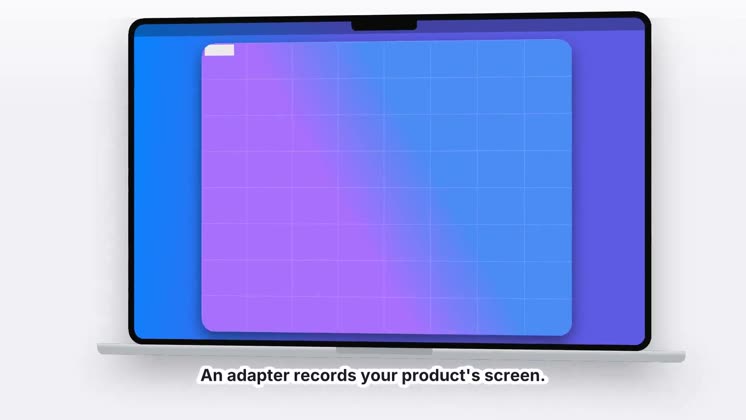
16:9 · clean theme · 33 s · 5 scenes (title, device, terminal, outro)
video/scripts/build.sh --container --project template-demo --theme clean --format 16:9 --caption-style boldCaptions: minimal
Small, plain text.
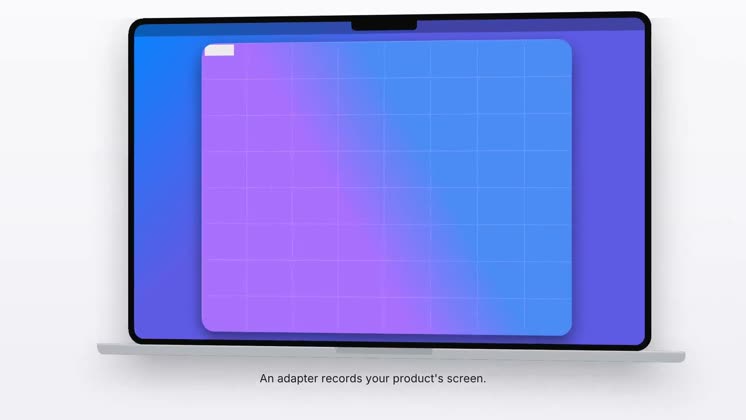
16:9 · clean theme · 33 s · 5 scenes (title, device, terminal, outro)
video/scripts/build.sh --container --project template-demo --theme clean --format 16:9 --caption-style minimalCaptions: karaoke
Bold outlined text whose words light up as they are spoken.
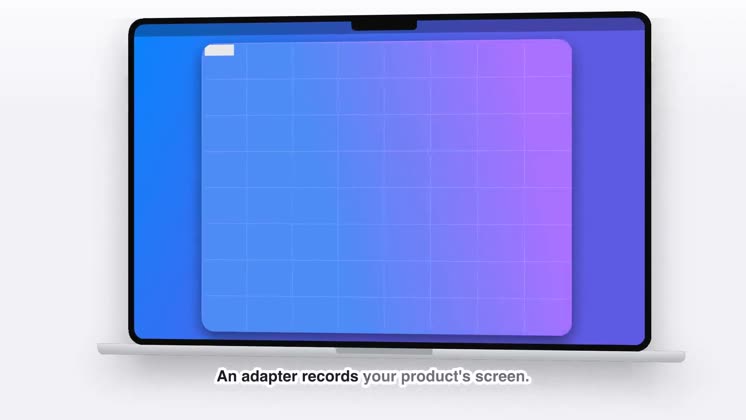
16:9 · clean theme · 33 s · 5 scenes (title, device, terminal, outro)
video/scripts/build.sh --container --project template-demo --theme clean --format 16:9 --caption-style karaokeFormats
One project, four frames. Portrait and square frames get their own layouts.
16:9
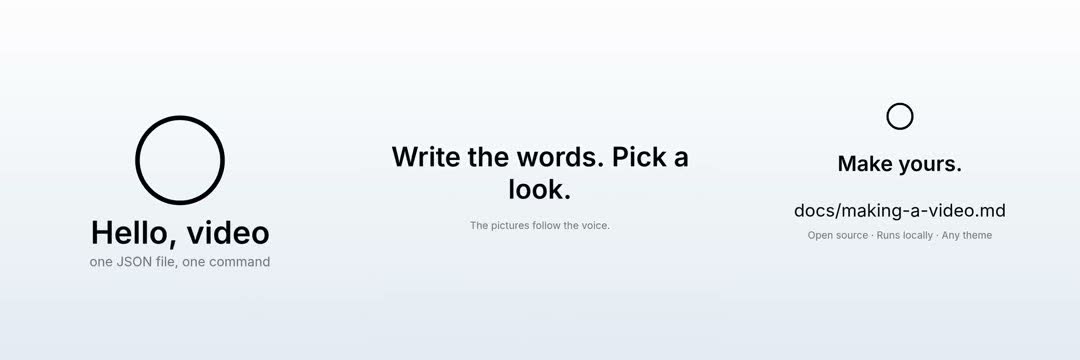
The hello example at 16:9 (YouTube, the web, a site hero).
16:9 · paper theme · 17 s · 3 scenes (title, statement, outro)
video/scripts/build.sh --container --project examples/hello --theme paper --format 16:99:16
The hello example at 9:16 (Shorts, Reels, TikTok).
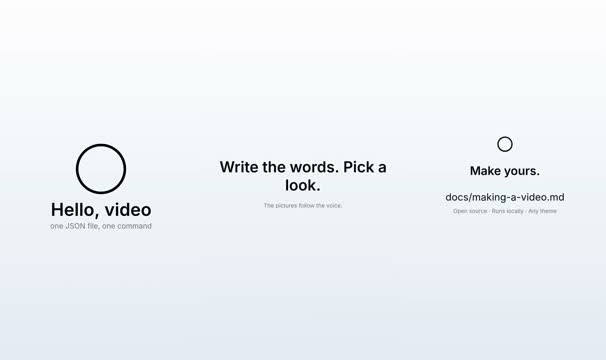
9:16 · paper theme · 17 s · 3 scenes (title, statement, outro)
video/scripts/build.sh --container --project examples/hello --theme paper --format 9:164:5
The hello example at 4:5 (Instagram and LinkedIn feeds).
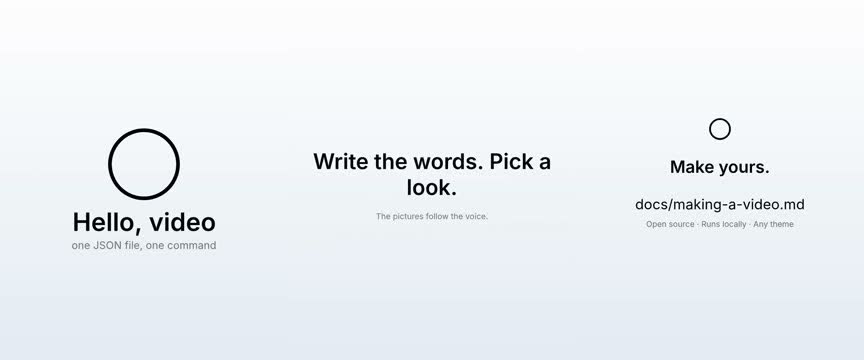
4:5 · paper theme · 17 s · 3 scenes (title, statement, outro)
video/scripts/build.sh --container --project examples/hello --theme paper --format 4:51:1
The hello example at 1:1 (Square).
1:1 · paper theme · 17 s · 3 scenes (title, statement, outro)
video/scripts/build.sh --container --project examples/hello --theme paper --format 1:1